Quick start
Get the Core binary built, point it at a sandbox mailbox, and run a dry-run filing pass. Allow about 30 minutes if PostgreSQL and Rust are already installed.
Requirements
- Rust 1.70+ — install via rustup.
- PostgreSQL 12+ with the pgvector extension (optional but required for RAG semantic search).
- IMAP account — any IMAP server (iCloud with an app-specific password, Gmail, Fastmail, etc.).
- AI API key(s) — at least one of
GEMINI_API_KEY,OPENAI_API_KEY,ANTHROPIC_API_KEY; local LM Studio / Ollama is optional for hybrid mode.
1. Build
git clone https://github.com/iamcobolt/MailSubsystem.git
cd MailSubsystem
cargo build --release
2. Database
createdb mailsubsystem
psql -U mailsubsystem -d mailsubsystem -f schema.sql
Install pgvector first if you want semantic search and embedding-backed RAG. The schema creates the extension idempotently.
3. Environment
cp .env.example .env
# Edit .env: ICLOUD_IMAP_*, DATABASE_URL, and at least one AI API key
Despite the ICLOUD_* variable names, the IMAP layer targets any IMAP-accessible mailbox.
Use ANALYSIS_MODEL=provider/model for classification and summaries, and EMBEDDING_MODEL=provider/model for vector search. See model configuration for the supported providers and safe switching behavior.
4. Verify connectivity
./target/release/mailsubsystem check
./target/release/mailsubsystem test-llm --frontier   # if using Gemini/OpenAI/Anthropic
./target/release/mailsubsystem test-llm --local      # if using LM Studio
5. First sync and analyze
./target/release/mailsubsystem sync          # full envelope + body sync
./target/release/mailsubsystem analyze       # batch analyze (uses ANALYZE_LIMIT)
./target/release/mailsubsystem locate        # batch location recommendations
./target/release/mailsubsystem file --dry-run
./target/release/mailsubsystem file          # apply moves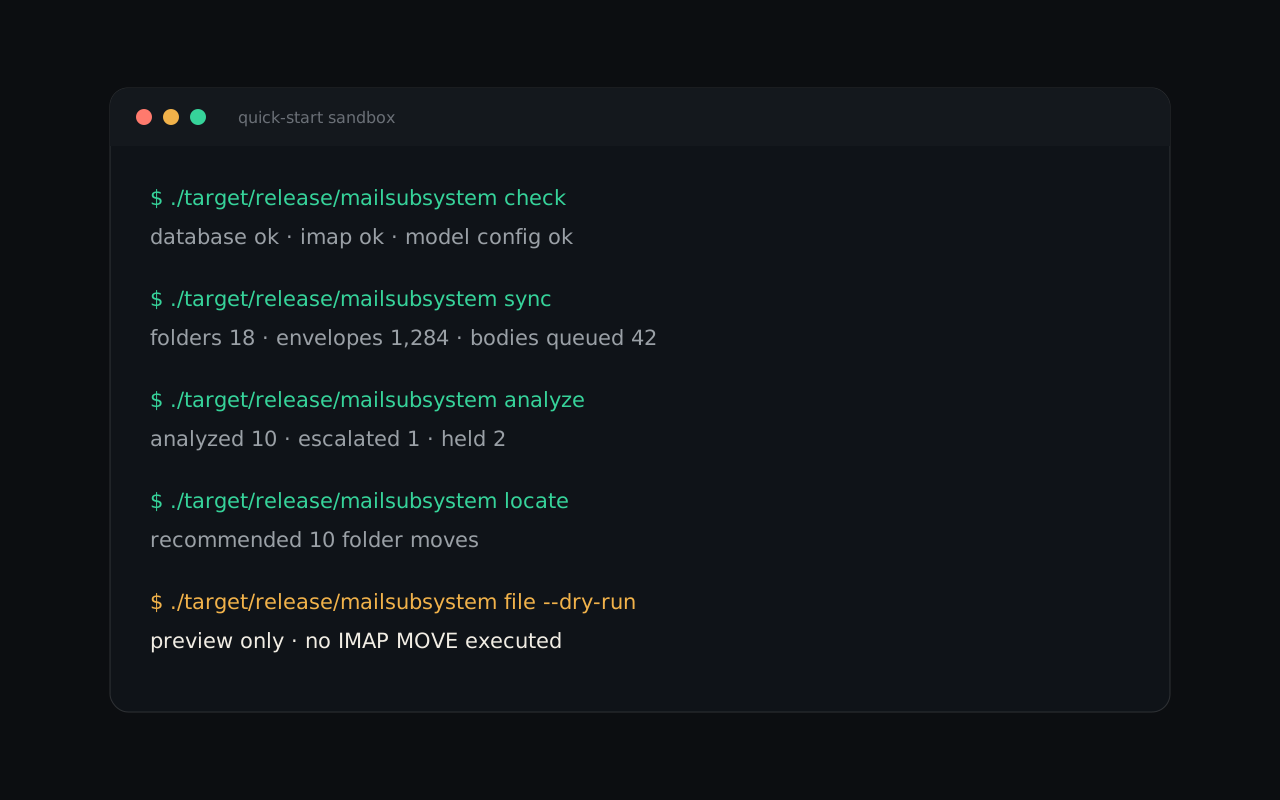
6. Daemon (optional)
Continuous incremental sync plus periodic full and slow (body) sync:
./target/release/mailsubsystem daemonTune with INCREMENTAL_SYNC_INTERVAL_SECS, FULL_SYNC_INTERVAL_SECS, and SLOW_SYNC_INTERVAL_SECS. The daemon does not yet chain analyze → locate → file; run those manually until pipeline automation lands.
file --dry-run before applying moves against a real mailbox. See safety notes.
Next
Read the command reference for every available subcommand.